OmniTrust's WooCommerce plugin evaluates a completed order's fraud risk in the background, via WooCommerce's own Action Scheduler - not during checkout - and reports back into the cross-merchant network described on the OmniTrust home page.
See how it works ↓
How it works · WooCommerce
Evaluation is dispatched via WooCommerce's Action Scheduler, not wp-cron - there is no wp-cron fallback if Action Scheduler is unavailable.
Evaluation is enqueued as an async Action Scheduler task right after checkout completes. Your buyer's checkout is never slowed down or blocked.
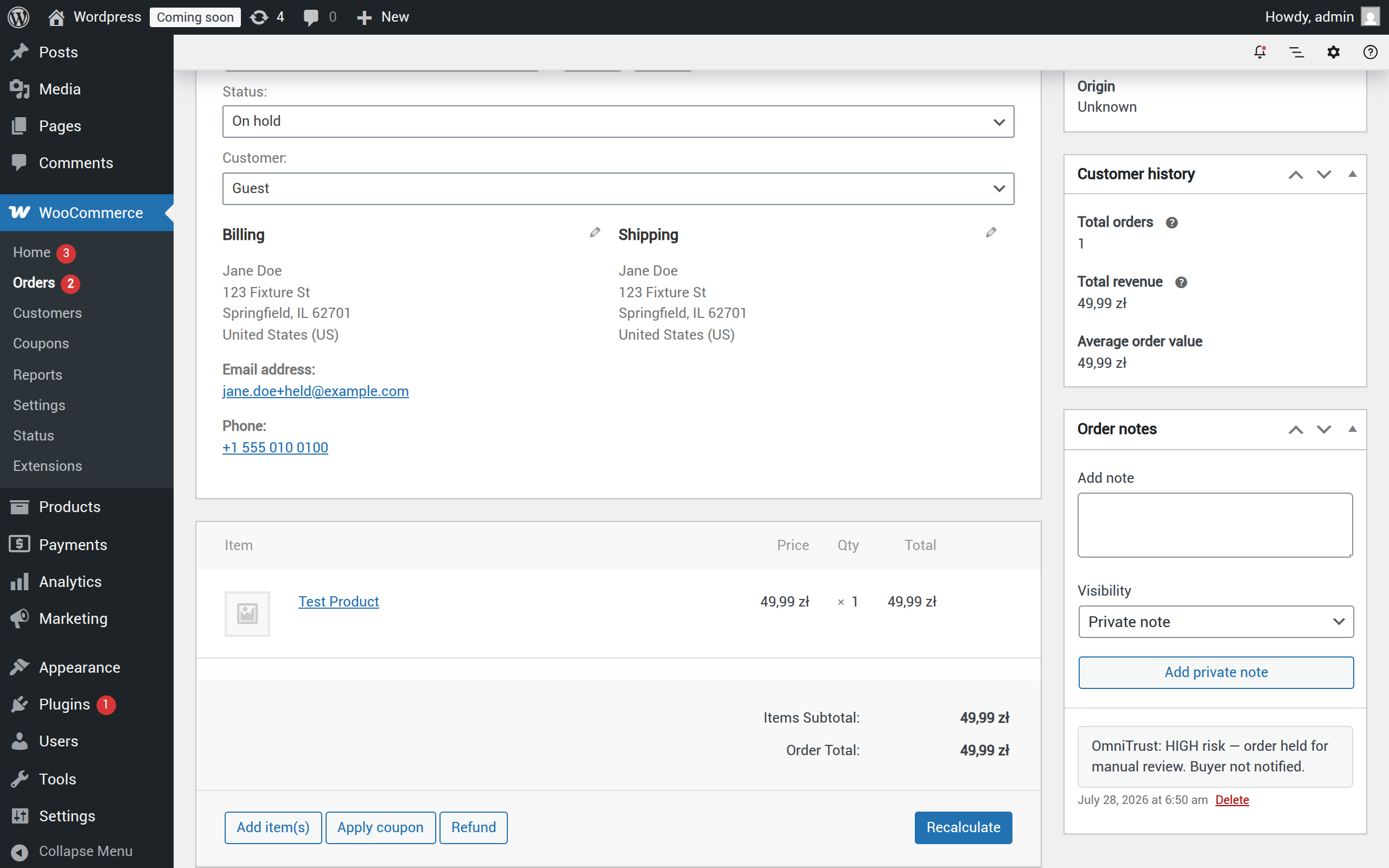
A HIGH verdict moves the order to WooCommerce's On hold status, adds a private admin-only note, and tags the order omnitrust-hold. No email is ever sent to the buyer as a result.
A LOW verdict leaves the order untouched - a private order note simply confirms the evaluation completed successfully.
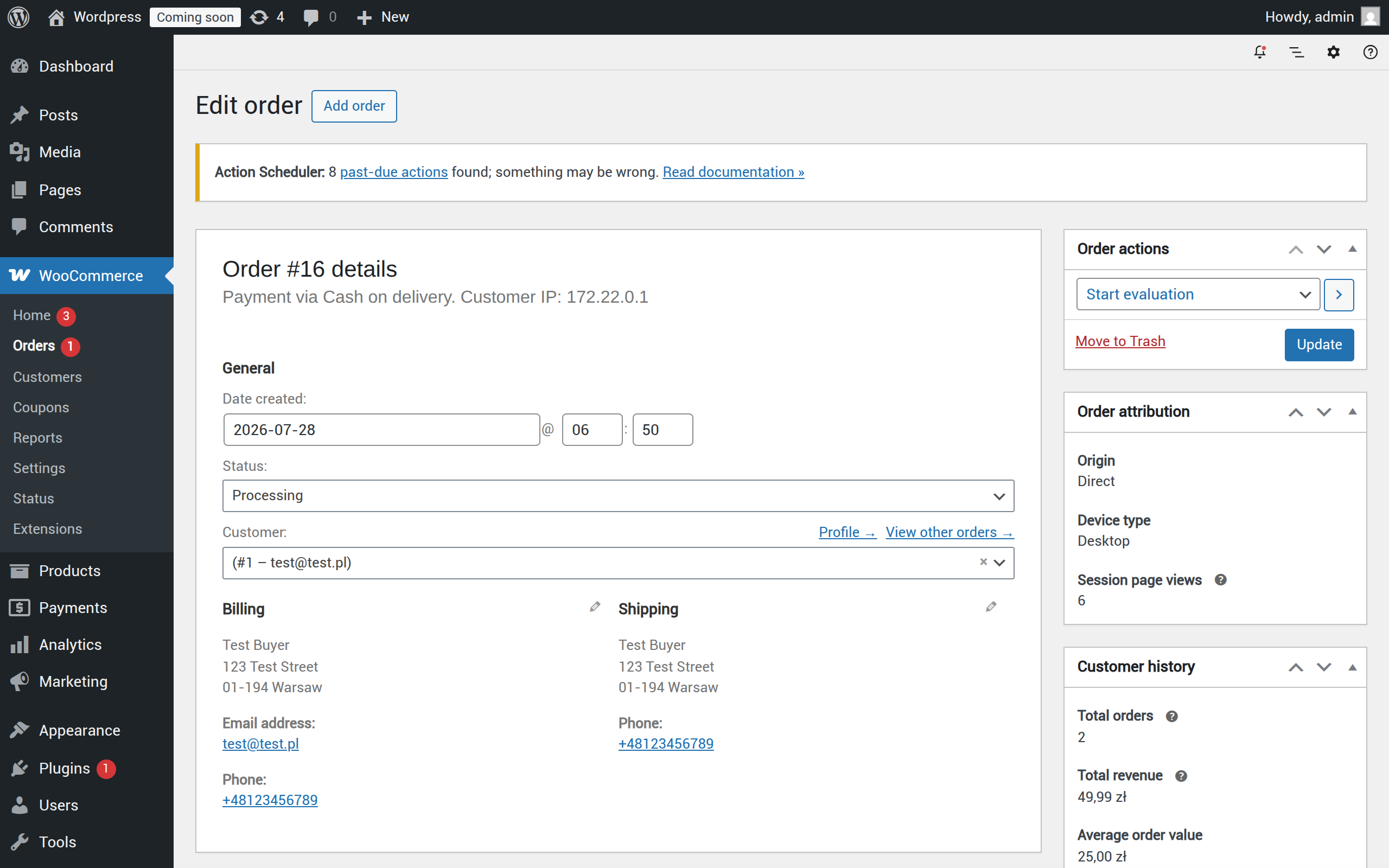
Any order that hasn't completed evaluation yet always shows a "Start evaluation" order action - it runs synchronously, is safe to retry, and disappears once the order has been evaluated.
If the evaluation call fails, the order is left alone - never silently held hostage by a network hiccup. The failure is always logged as a private note, with no automatic retry; use "Start evaluation" to try again.
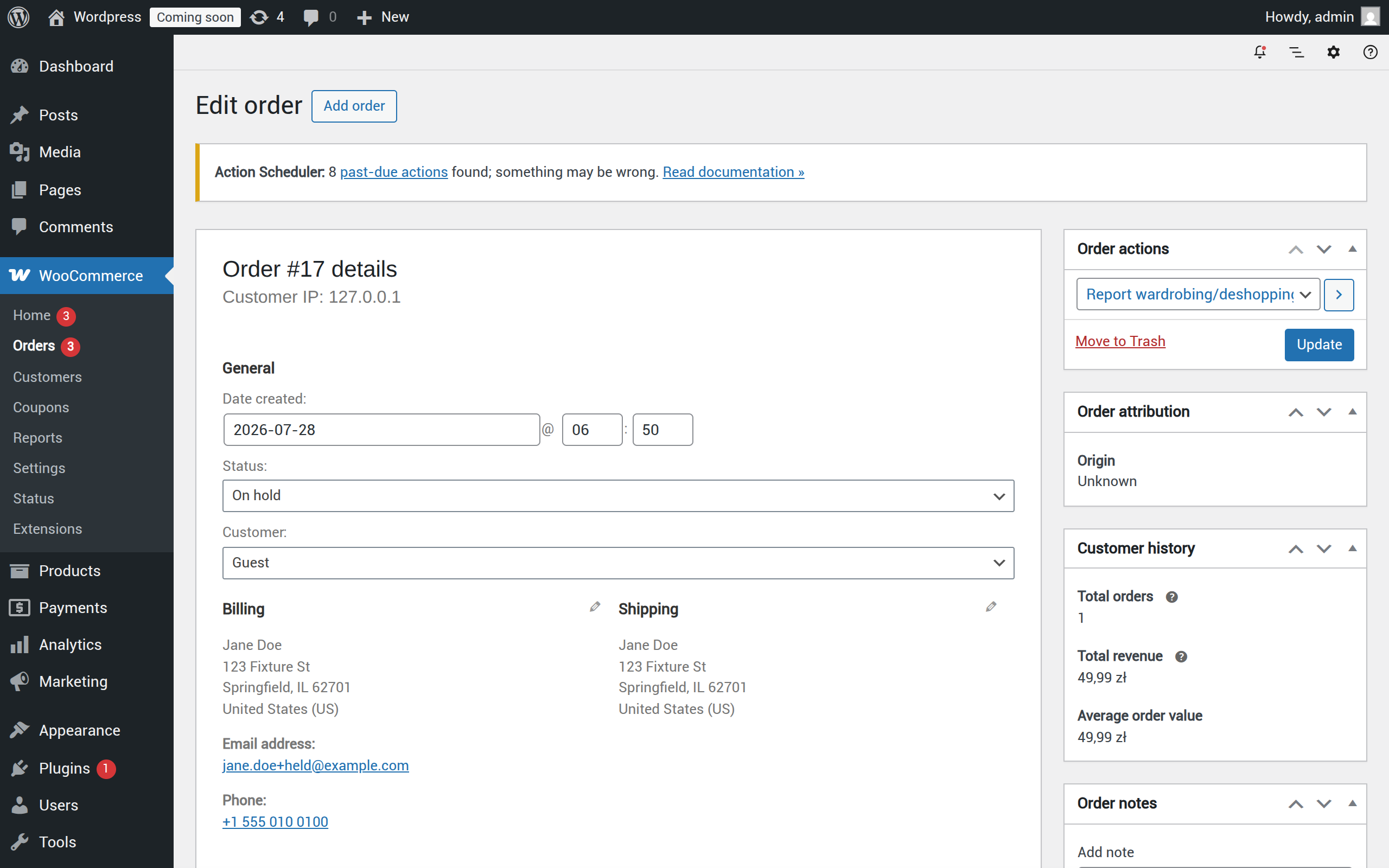
Once an order has completed evaluation, its "Order actions" panel offers "Report COD non-collection to OmniTrust" and "Report wardrobing/deshopping to OmniTrust" - neither is offered before evaluation completes.
See it in action
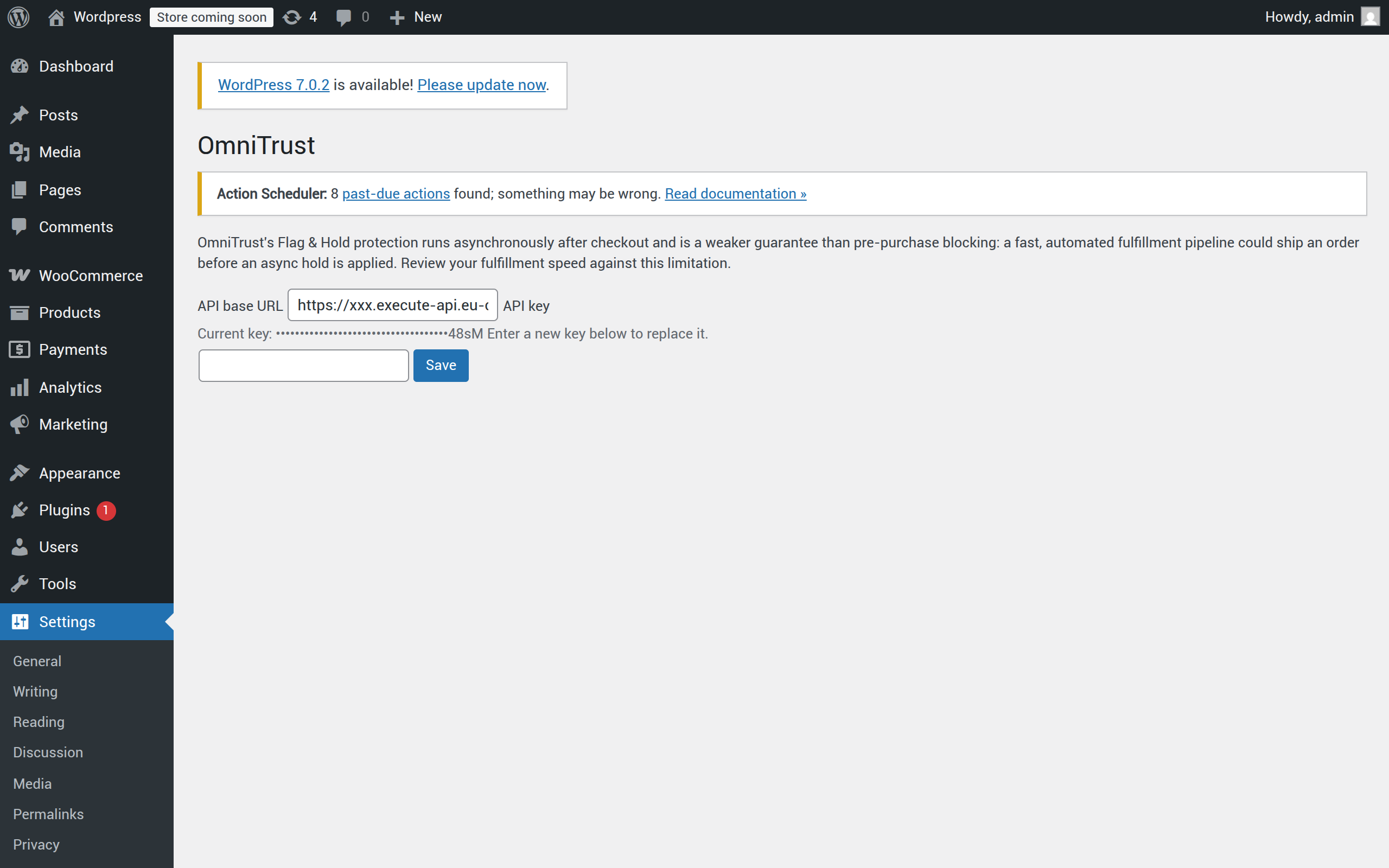
Your OmniTrust API key is entered once on Settings → OmniTrust and stored on your server - it's never displayed back to you in plaintext again, only as a masked value.
Flag & Hold runs after checkout, so it's a weaker guarantee than a pre-purchase block - a fast, highly automated fulfillment pipeline could ship an order before the async hold applies. Restated on the plugin's own settings page.
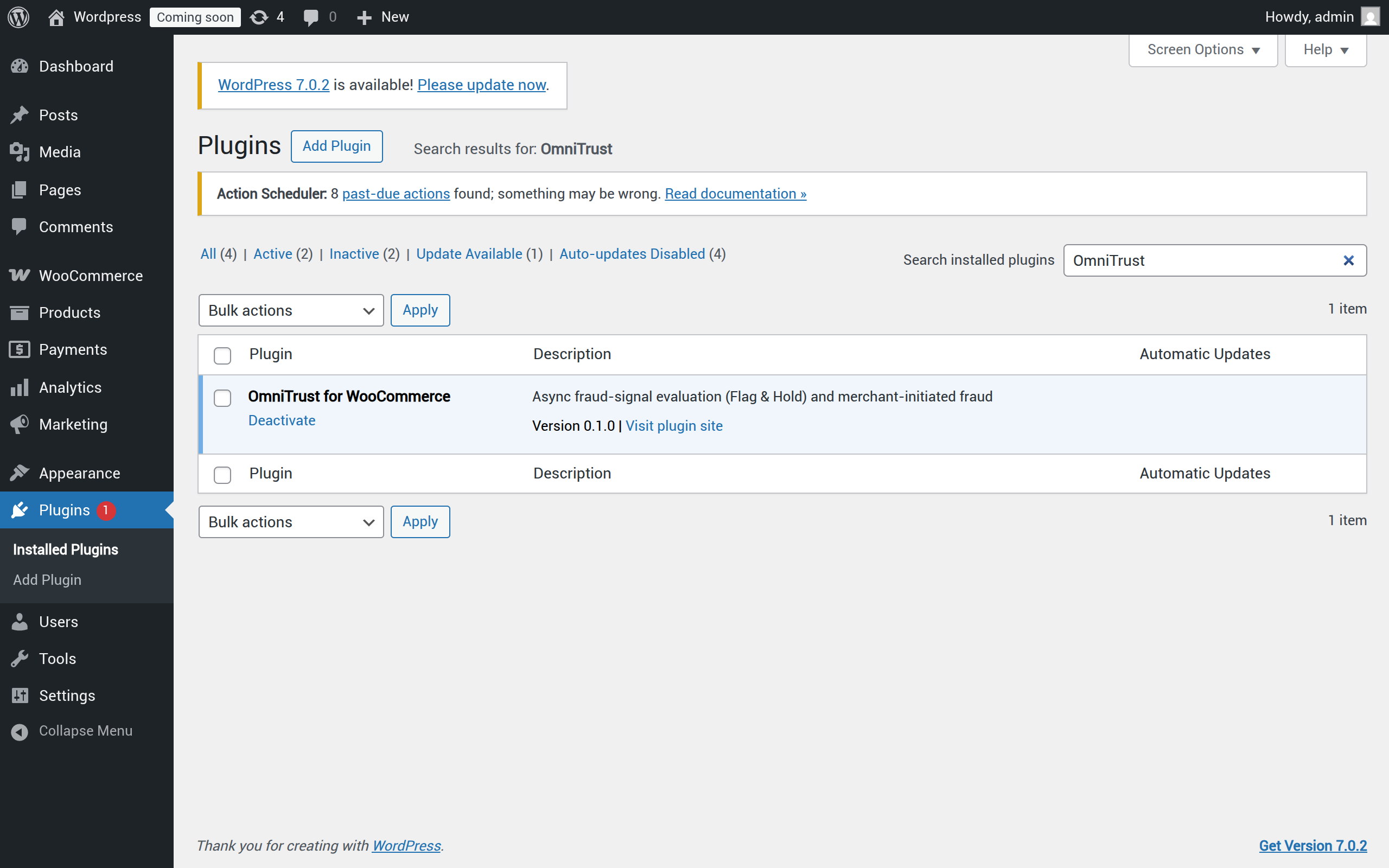
This plugin is distributed as a direct-download ZIP only. It is not listed on the WordPress.org plugin directory - install it the same way you would install any manually-supplied plugin ZIP, then activate it and add your API key under Settings → OmniTrust.
One shared backend
Every store plugin - PrestaShop and WooCommerce today, more platforms planned - reports into the same hashed, Bayesian-scored network described on the OmniTrust home page.
Get early access