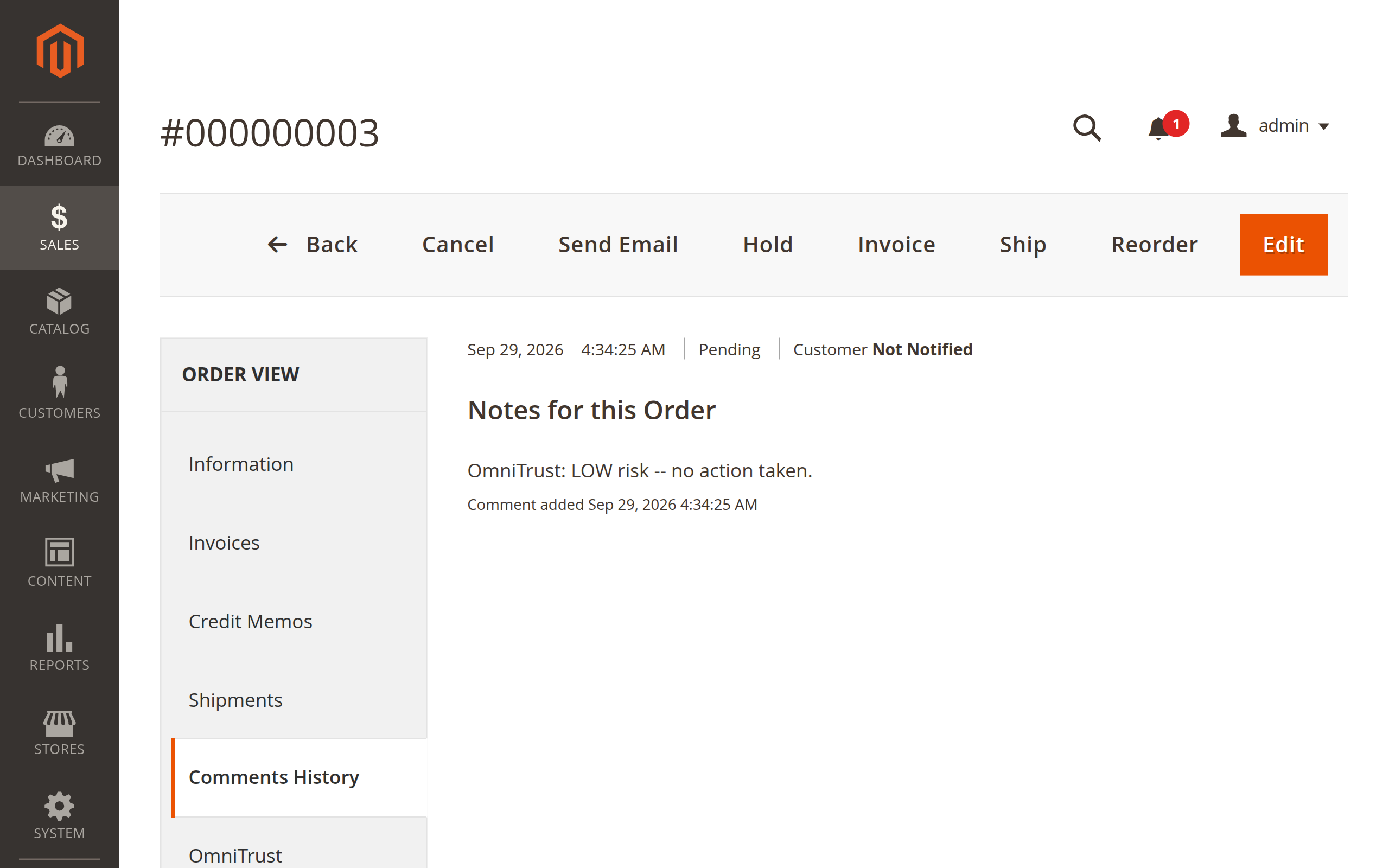
OmniTrust's Magento extension runs an automatic risk check right after an order is placed - not during checkout - and reports back into the cross-merchant network described on the OmniTrust home page.
See how it works ↓
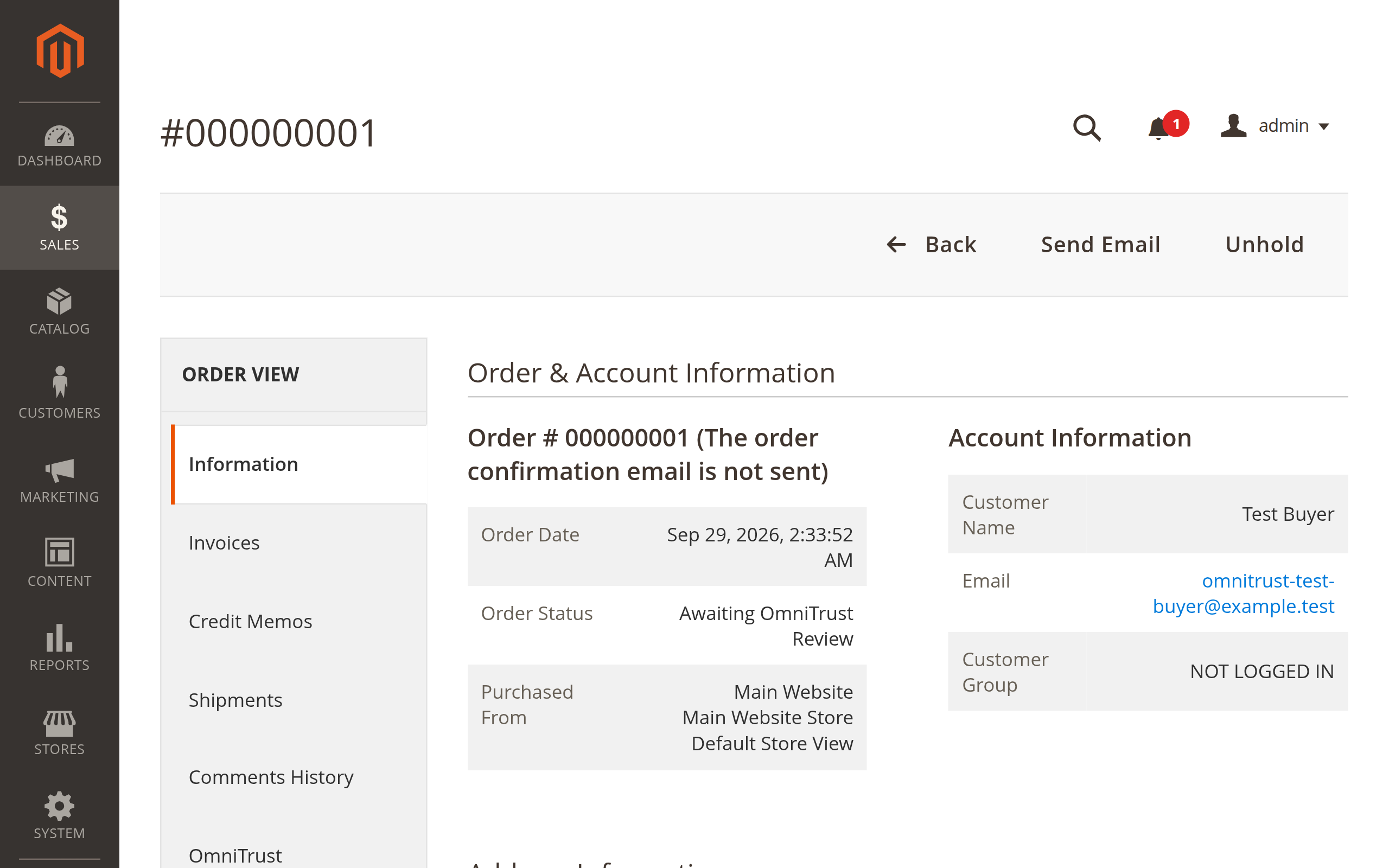
How it works · Magento
The extension's own name for its automatic risk check - it runs after the order is placed, not during checkout.
A short, non-blocking evaluation fires right after the order is placed. Your buyer's checkout is never slowed down or blocked.
A HIGH verdict moves the order into a dedicated "Awaiting OmniTrust Review" status, with a private note explaining why.
A LOW verdict leaves the order untouched - a private note simply confirms the result for your records.
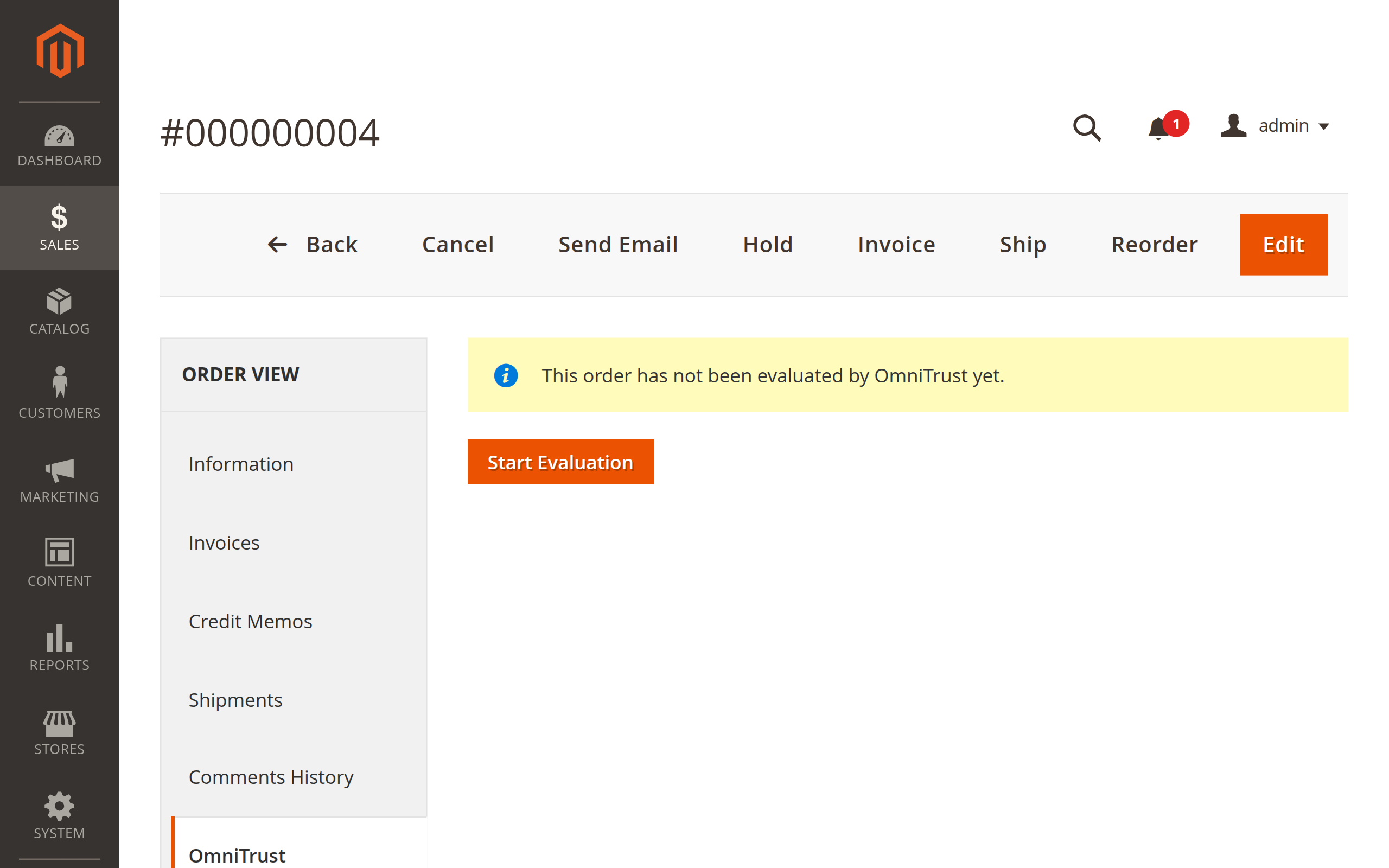
Any order that hasn't been evaluated yet always shows a button to trigger it manually - nothing is silently skipped.
If the evaluation call fails, the order is left alone - never silently held hostage by a network hiccup. The failure is always logged as a visible note.
See it in action
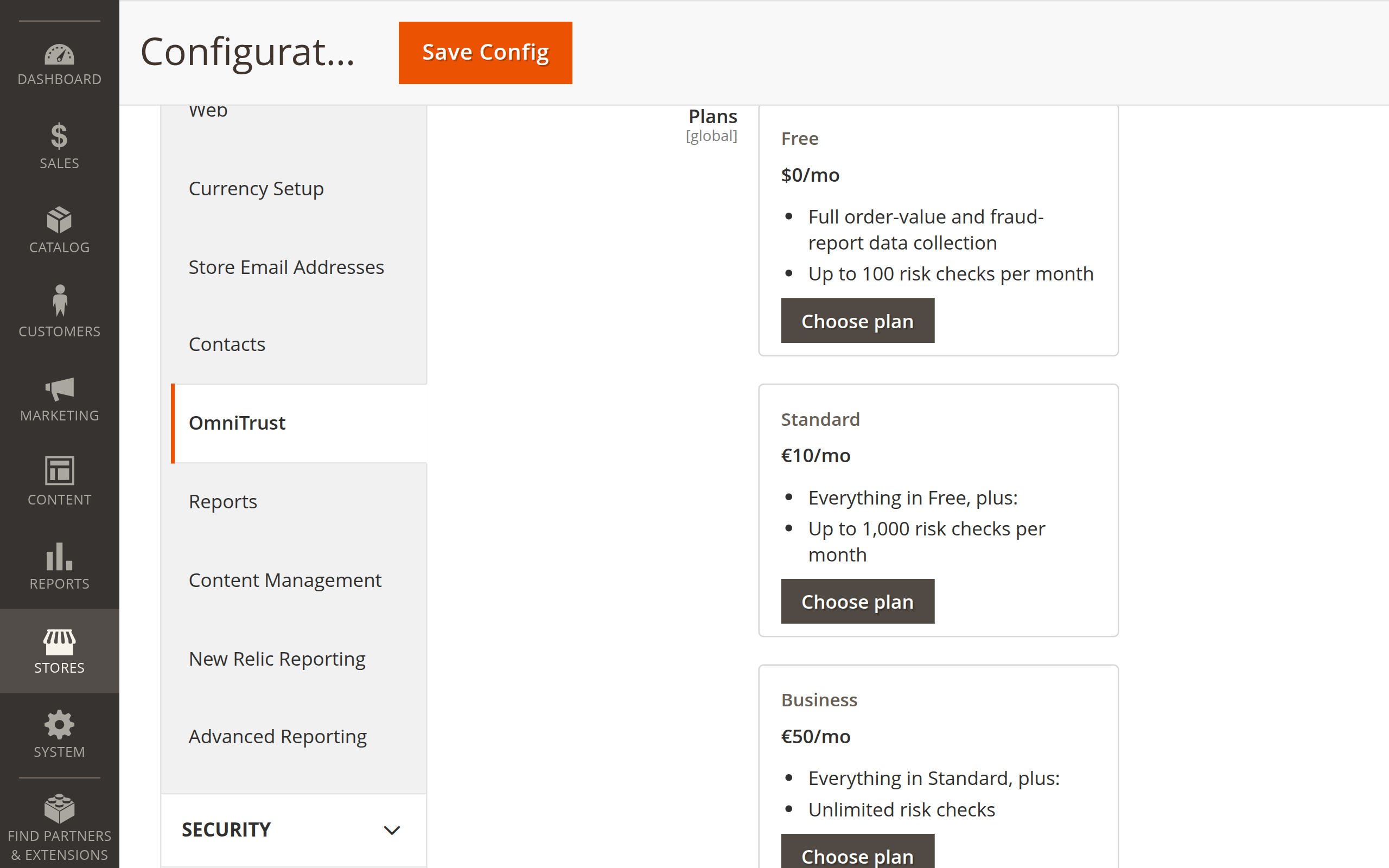
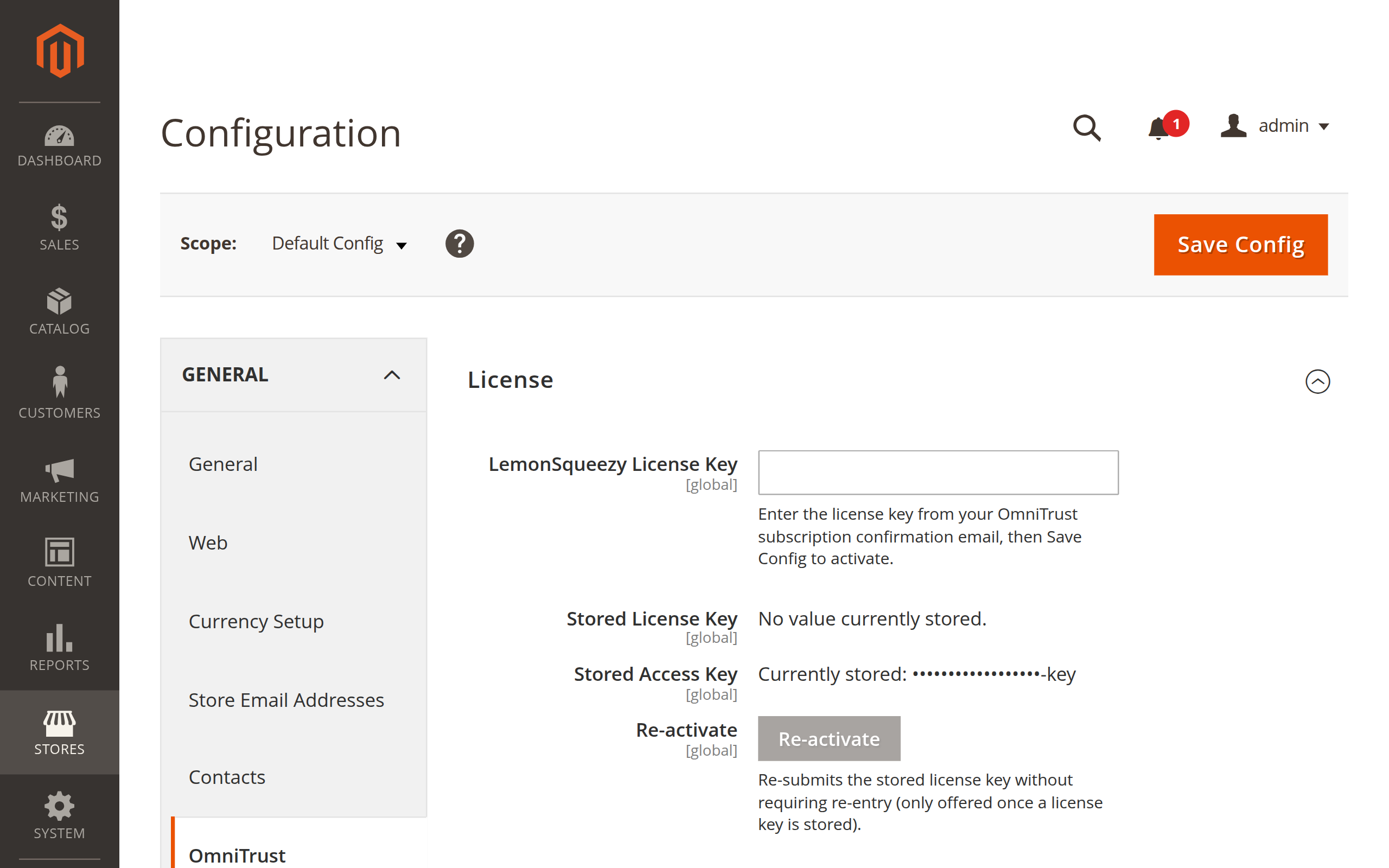
After installing, paste a license key on Stores → Configuration → OmniTrust. The downloaded extension alone doesn't evaluate orders - activating a license key is what turns risk evaluation on.
Download latest.zip, unzip it into your Magento root, then run bin/magento module:enable PrestaWach_OmniTrust, setup:upgrade, setup:di:compile, and cache:flush. Then paste your license key under Stores → Configuration → OmniTrust.
Pricing
Every tier is available in the same direct download. You choose yours after installing, from Stores → Configuration → OmniTrust.
Requirements: Magento Open Source 2.4.7 or 2.4.8, PHP 8.2, 8.3, or 8.4 with the intl extension enabled.
Tier selection happens after installing the extension, from Stores → Configuration → OmniTrust - there is no separate checkout on this page.
One shared system
Every store plugin - PrestaShop, WooCommerce, and Magento today, more platforms planned - reports into the same hashed, Bayesian-scored network described on the OmniTrust home page.
Download latest.zip