PrestaShop 8.0 - 9.x

Your orders,
always in the right state.

AutomaticOrderStates transitions orders to the correct status automatically - based on age, payment method, carrier, and status history. Schedule it once. No more manual queue management.
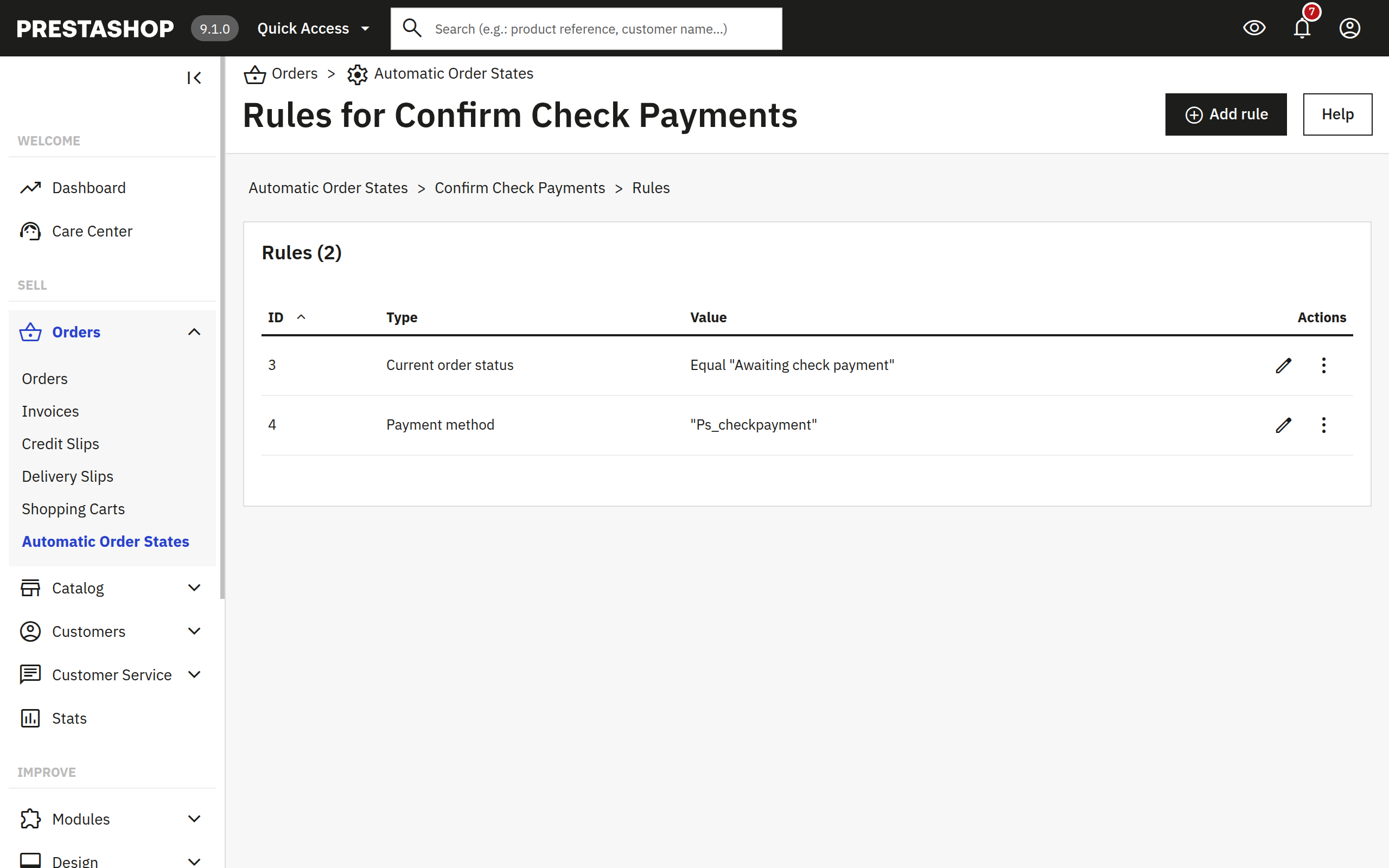
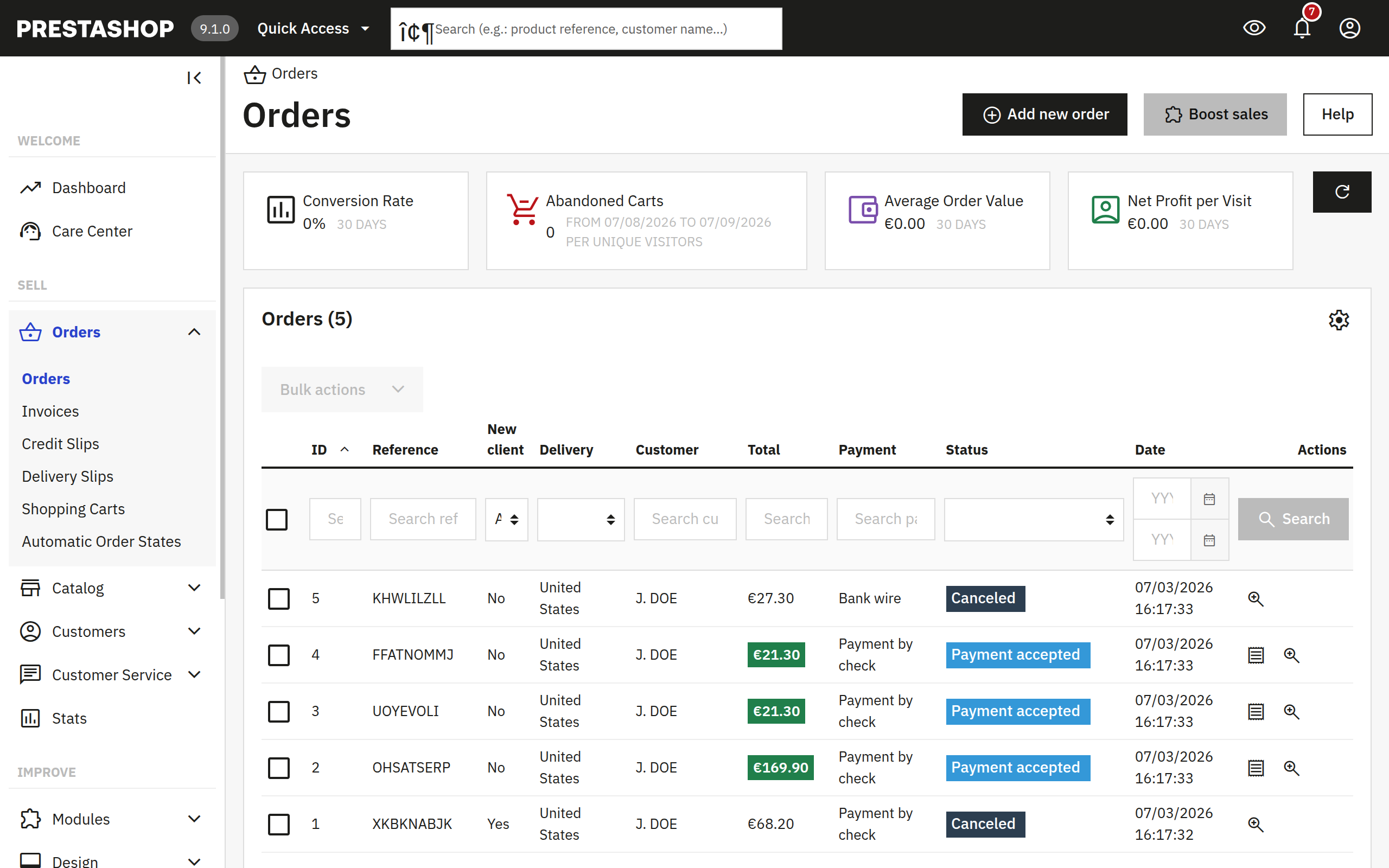
AutomaticOrderStates rule editor in PrestaShop admin
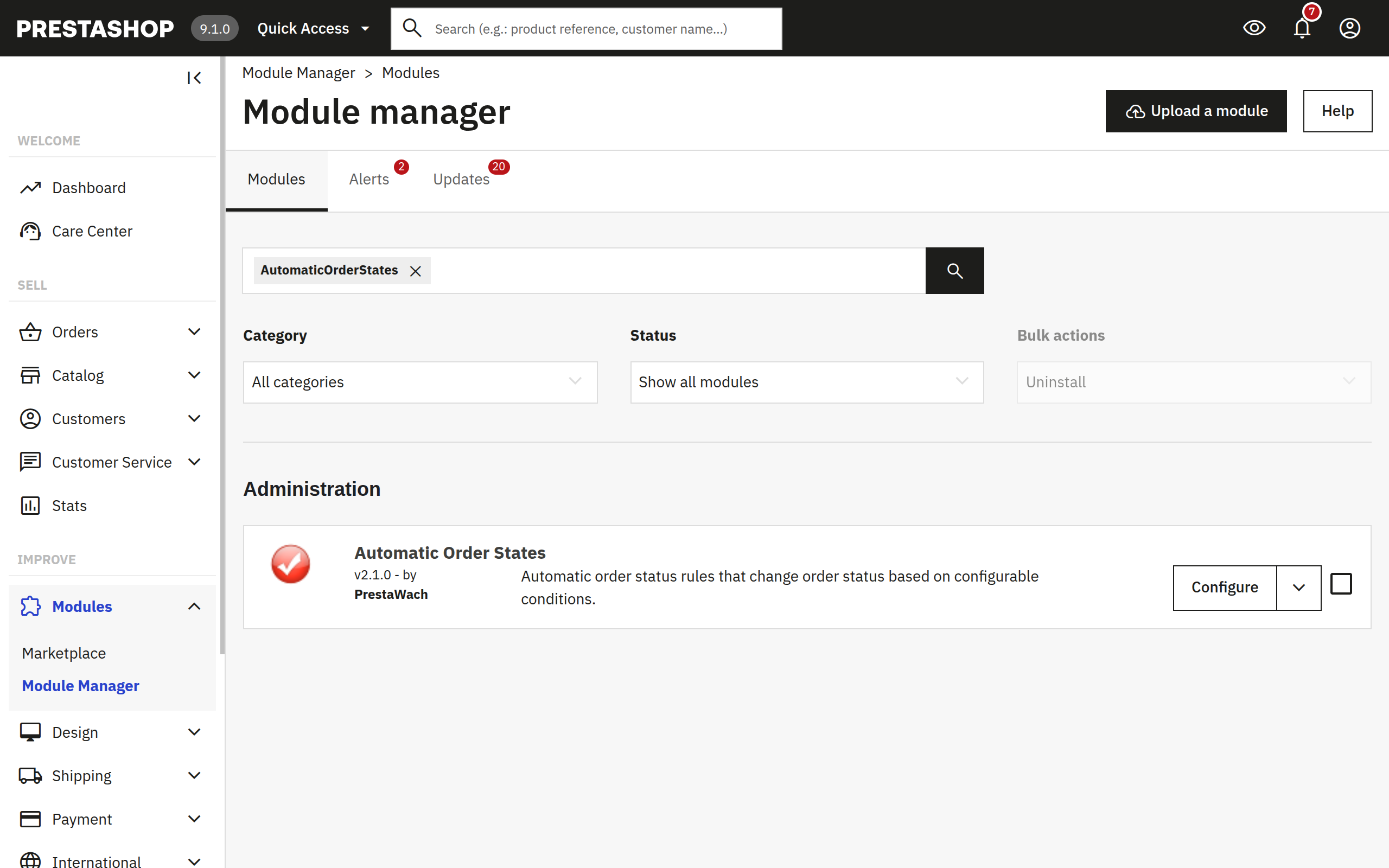
AutomaticOrderStates run results showing processed orders in PrestaShop admin
8 rule types ✓
scroll

Features

Powerful automation.
No code required.

8 rule types

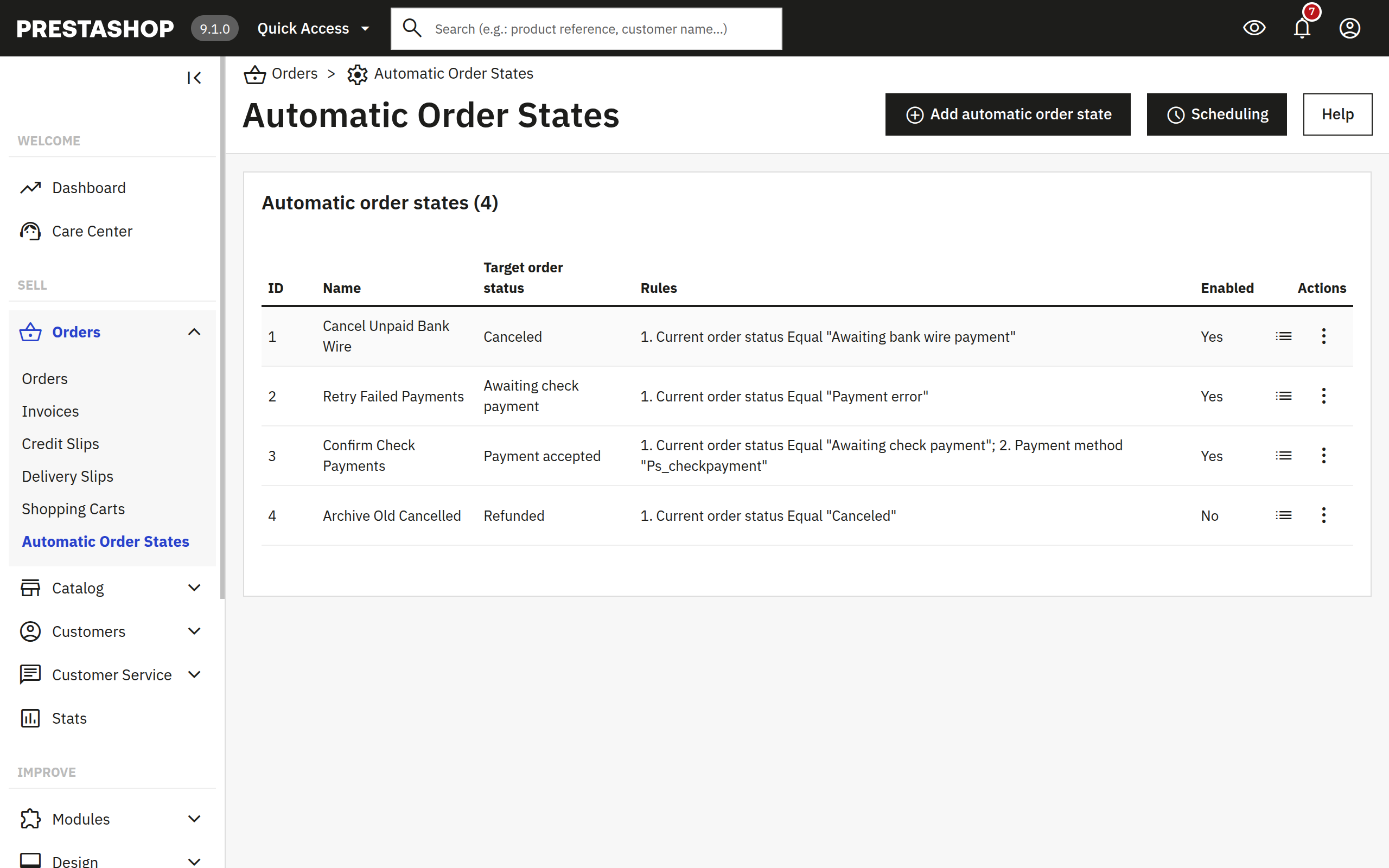
Current status, status age, payment method, carrier, previous status, historical status, historical status with date window, and order product - combine freely per automatic state.

3 execution modes

Trigger manually from the back office, schedule via the cron URL, or run the CLI console command. All three modes use the same rule engine - choose one or combine them.

Multistore support

Full PrestaShop multistore compatibility. Automatic states and their rules are scoped per shop. Manage high-volume and niche storefronts independently from one back office.

Batch processing + resume

Orders are processed in configurable batches. If a run is interrupted, the next execution picks up where it left off - no order is evaluated twice or silently skipped.

MySQL advisory lock

A database-level advisory lock prevents concurrent runs from colliding. Two cron triggers arriving at the same time will never produce duplicate transitions or inconsistent state.

Full audit trail

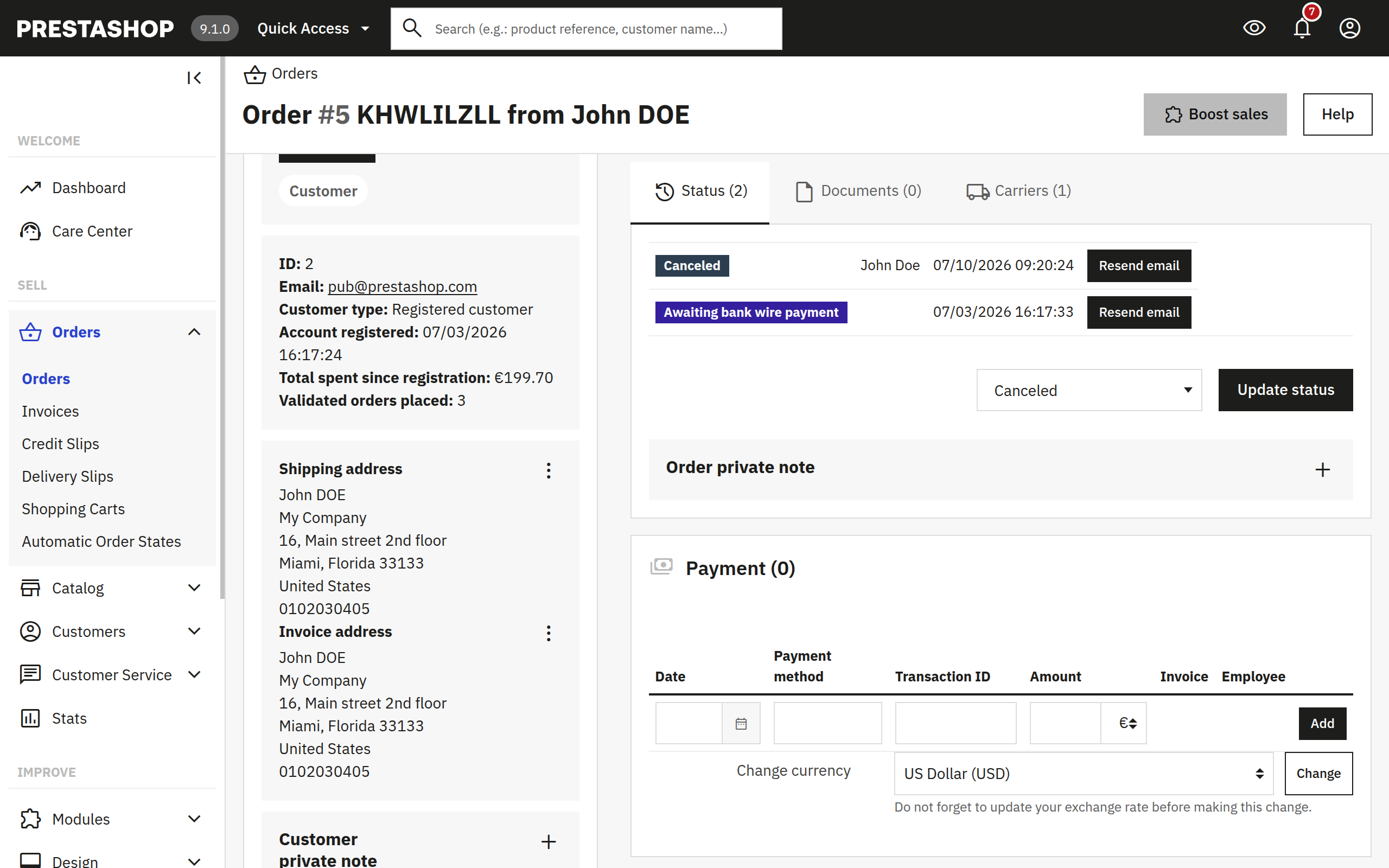
Every transition is logged: which order, which automatic state triggered it, before and after status, and the timestamp. Investigate any state change from the back office log view.

Rule Engine

8 rules.
Every order lifecycle use case covered.

Combine rules freely inside each automatic state. All rules must pass simultaneously for a transition to trigger.

Status Rules

  • Current order status - order is currently in a specific status
  • Current order status with date - status held for more or fewer than N days
  • Previous order status - order previously passed through a given status

History Rules

  • Historical order status - order ever had a specific status at any point
  • Historical order status with date - historical status within the last N days
  • Order product - order contains a specific product

Method Rules

  • Payment method - matches by the payment method used at checkout
  • Carrier method - matches by the carrier or shipping method selected

All rules in a single automatic state must pass simultaneously. Build precise conditions by combining status, history, and method rules together.

See it in action

Real admin.
Real output.

Why AutomaticOrderStates

Manual status management
doesn't scale.

PrestaShop ships with no automated order lifecycle. Every bank wire that goes unpaid, every shipment that gets stuck, every order that should have been cancelled weeks ago sits there until someone notices. AutomaticOrderStates replaces that manual scan with a rule engine that runs on schedule - comparing each order against your conditions and transitioning only those that match.

Without AutomaticOrderStates
Staff checks the order queue daily, looking for stale bank wires and stuck shipments - easy to miss, error-prone, and impossible to scale as volume grows.
With AutomaticOrderStates
Define rules once. The module evaluates every order against conditions on every scheduled run and transitions exactly those that qualify. Stock, stats, and customer emails stay accurate automatically.

What you can automate

💰 Cancel stale bank wire transfers
🚚 Advance stuck shipments to delivered
Expire unpaid orders after N days
📋 Flag specific carrier + status combos
8
rule types
3
run modes
automatic states
PS 8.0 - 9.x ✓

How it works

Up and running in
three steps.

1

Define an automatic state

Name the state, pick the target order status, and choose which shops it applies to. Each automatic state is one independent rule set with its own target - create as many as you need.

2

Add matching rules

Add one or more rules to each automatic state. Choose from 8 rule types and configure conditions. All rules must match for an order to be transitioned - combine them to target exactly the right orders.

3

Schedule and let it run

Add the cron URL to your server scheduler or use the CLI console command. Trigger manually from the back office anytime. The module handles batching, locking, and logging - nothing else required.

Pricing

One plan.
Everything included.

All 8 rule types, multistore, batch processing, and audit trail from day one.

Monthly subscription
€5/mo

per month · cancel anytime

  • All 8 rule types
  • Cron + CLI automation
  • Batch processing with resume
  • Full multistore support
  • Full audit trail
  • PrestaShop 8.0 - 9.x
  • Continuous updates
Get AutomaticOrderStates

Secure checkout · Cancel anytime · Always up to date

🔒 Secure payment 🔄 Cancel anytime 🚀 Always up to date